Google Veo 4: Everything You Need to Know
Google Veo 4 launched in April 2026 with storyboarding, 10–30 second clips, multi-angle generation, and real-time editing. Here's what it can do, how it compares to Veo 3.1, and whether it's right for your workflow.
TL;DR
Google Veo 4 is the most significant upgrade to the Veo family yet — storyboarding, 10–30 second clips, multi-angle generation, and real-time mid-generation editing, all in one model.
- ✅ Use it if: you need longer coherent clips, storyboard-to-video workflows, or multi-shot output from a single prompt
- ❌ Skip it if: you need sub-$0.10/second prototyping costs — Veo 3.1 Lite still wins on pure price
- Released April 2026 · Supports Text-to-Video and Image-to-Video · 10s–30s · Storyboarding · Advanced audio
What Is Google Veo 4?
Google Veo 4 is the fourth-generation model in Google DeepMind's video generation series, released in April 2026. It follows Veo (May 2024), Veo 2 (December 2024), and Veo 3 / Veo 3.1 (2025), and introduces three capabilities that none of its predecessors had: storyboarding, video durations up to 30 seconds, and real-time editing during generation.
The series timeline at a glance:
| Model | Release | Key Addition |
|---|---|---|
| Veo | May 2024 | First release — text-to-video |
| Veo 2 | December 2024 | Better motion, 1080p |
| Veo 3 | May 2025 | Native synchronized audio |
| Veo 3.1 | Early 2026 | Lite tier, improved pricing |
| Veo 4 ⭐ | April 2026 | Storyboarding, 10–30s clips, multi-angle, real-time editing |
Veo 4 doesn't just extend duration — it changes the production workflow. Where Veo 3.1 was a single-clip generator, Veo 4 is closer to a lightweight pre-production tool.
Veo 4 vs Veo 3.1: What Actually Changed?
The most important differences aren't the specs — they're the workflows they unlock.
| Feature | Veo 3.1 | Veo 4 |
|---|---|---|
| Max clip duration | 8 seconds | 10–30 seconds |
| Storyboarding | ❌ | ✅ Sketch + text → video |
| Multi-angle generation | ❌ | ✅ Multiple camera angles from one prompt |
| Real-time editing | ❌ | ✅ Adjust mid-generation |
| Native audio | ✅ | ✅ (improved) |
| Personalized avatars | ❌ | ✅ Upload photo + voice sample |
| Advanced physics | Limited | ✅ Fluid dynamics, cloth simulation |
| Architecture | Diffusion Transformer | Diffusion Transformer (updated) |
The duration jump is the most immediately practical change. At 8 seconds max, Veo 3.1 was best for social clips and ad snippets. At up to 30 seconds, Veo 4 can handle a full product demo, a short narrative scene, or a complete YouTube Short in a single generation pass.
Key Features in Depth
Storyboarding
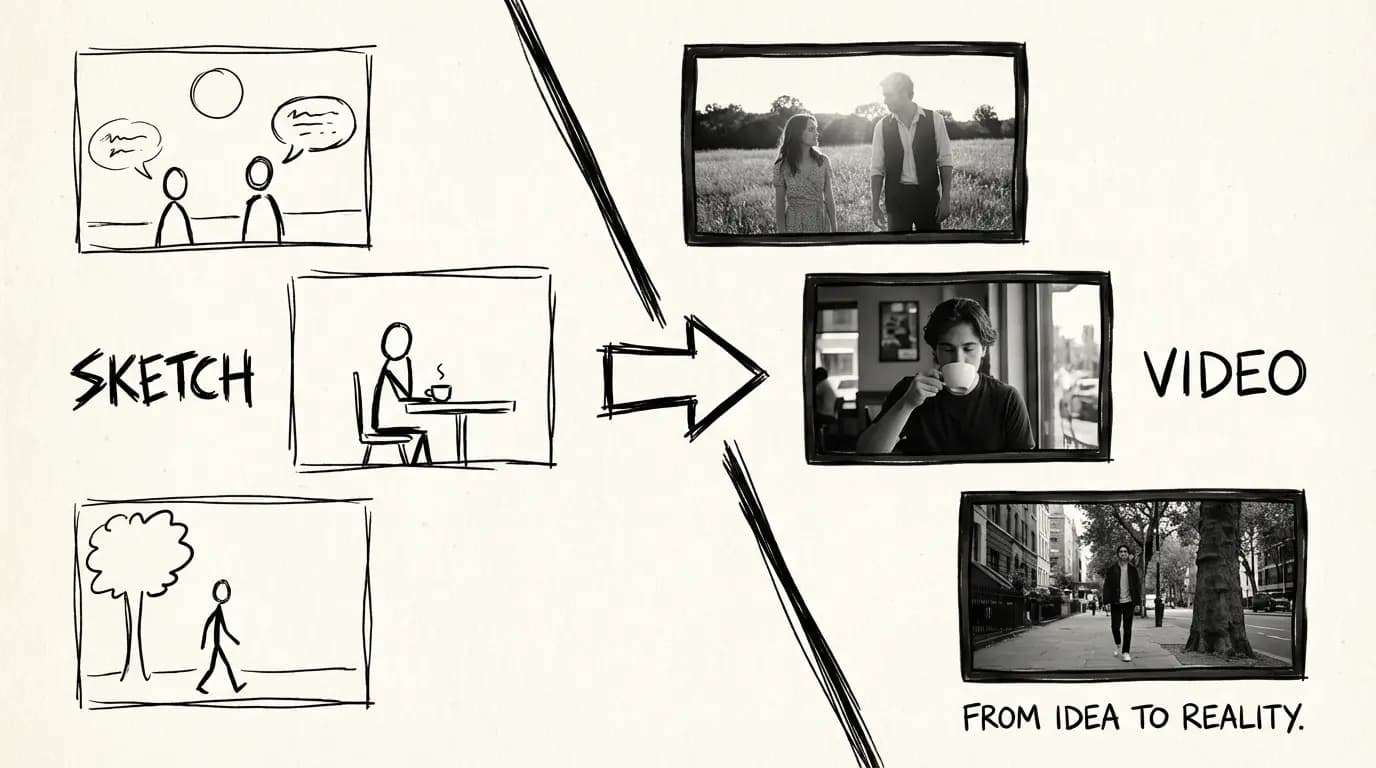
Veo 4 accepts sketch storyboards as input. You draw rough panel layouts, add a text description, and the model stitches them into a coherent video sequence — no keyframing, no manual transition work. This is the closest any public video generation model has come to a full script-to-screen pipeline.
The workflow: write a script → sketch storyboard panels → feed both to Veo 4 → get a complete rough cut. Iterate on the sketch, not on trial-and-error prompt rewrites.
10–30 Second Clips
Veo 4 generates clips between 10 and 30 seconds — compared to Veo 3.1's 4–8 second cap. This closes the gap with competitors like Sora 2 (up to 25 seconds) and opens up new content types:
- Full YouTube Shorts without clip-stitching
- 30-second broadcast ads
- Extended product demos
- Short narrative scenes with beginning, middle, and end
Coherence across 30 seconds is harder than coherence across 8 seconds — character appearance, lighting, and motion all need to stay consistent over a longer window. Veo 4's updated architecture handles this via an extended temporal context window in the latent diffusion process.
Multi-Angle Scene Generation
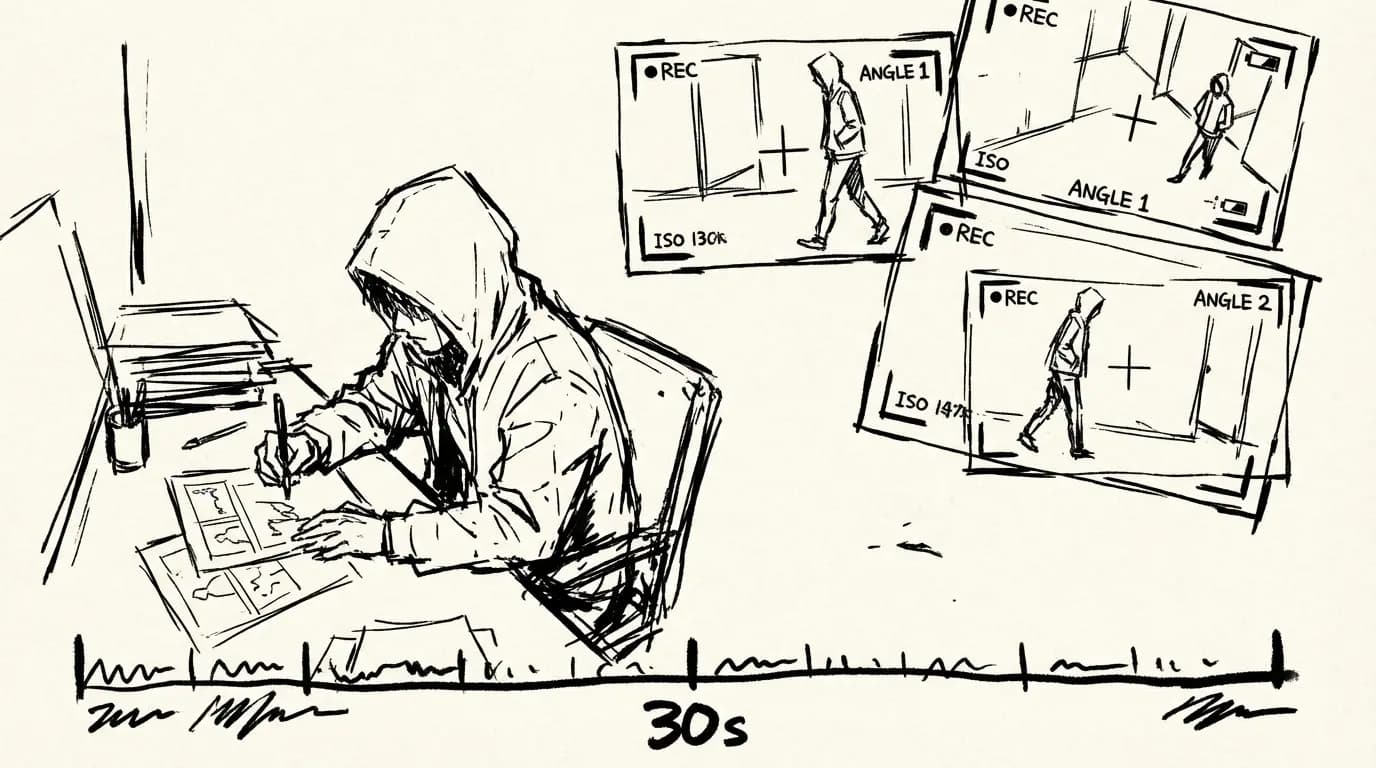
Write one prompt, get multiple camera angles. Veo 4 can generate the same scene from front, side, overhead, and reverse perspectives simultaneously — giving you the raw material for a proper edit without re-prompting for each angle.
This is significant for creators building product videos or narrative clips: instead of generating 5 separate clips and hoping they match, you get consistent lighting, subject appearance, and motion across all angles from a single generation call.
Real-Time Editing
Veo 4 allows you to adjust elements mid-generation, before committing to a final render. Change a character's clothing, shift the background environment, or alter camera framing — then continue generation from that point. This drastically reduces the number of full regeneration cycles needed to arrive at a usable clip.
This is the most workflow-changing feature in Veo 4. In previous models, every change meant starting over. In Veo 4, iteration happens inside the generation process itself.
Personalized Avatars & Voice Cloning
Upload a photo and a voice sample — Veo 4 generates video featuring a consistent digital representation of the subject, with accurate facial expressions, synchronized lip movements, and natural-sounding voice. This is designed for:
- Brand spokespersons (real or AI-generated)
- Consistent hosts across a video series
- Localized content using the same avatar with different languages
The avatar remains visually consistent across camera angles and across separate generations — something previous models couldn't reliably do.
Advanced Physics Simulation
Veo 4 ships with improved simulation of:
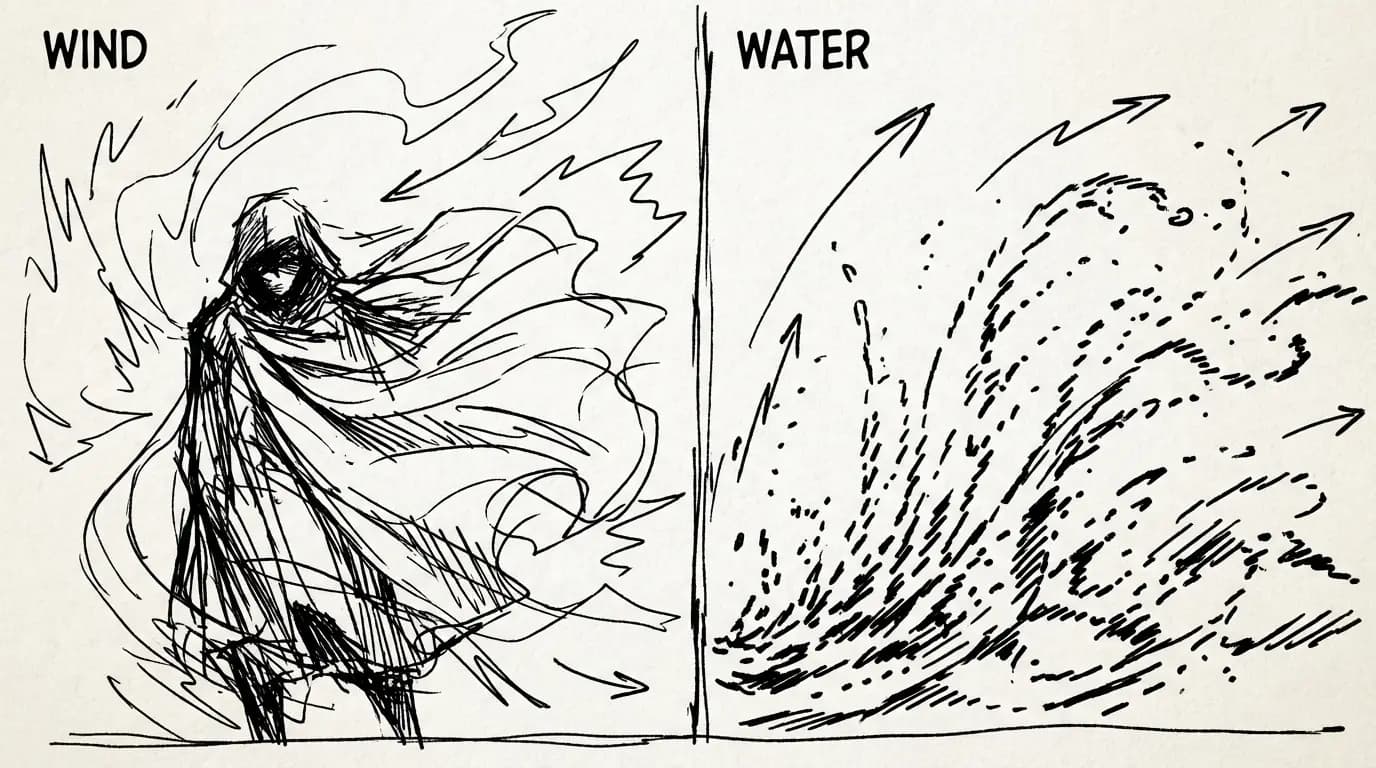
- Fluid dynamics — water surfaces, rain, smoke, fire, and liquid splashes behave realistically
- Cloth simulation — fabric drapes, folds, and moves naturally with character motion
- Rigid body interaction — objects collide and interact with the environment correctly
These are the artifacts that make AI video look "uncanny" in previous models. Veo 4 addresses them directly.
Who Should Use Veo 4?
| Use Case | Recommended Model |
|---|---|
| 30-second product ads | Veo 4 |
| Narrative short films | Veo 4 |
| Storyboard-to-video production | Veo 4 |
| Multi-angle shoot coverage | Veo 4 |
| Social clips under 8 seconds, cost-sensitive | Veo 3.1 Lite |
| Rapid prototyping at low cost | Veo 3.1 Lite |
| Maximum quality final deliverable | Veo 4 or Veo 3.1 Standard |
The smart workflow: rough storyboard in Veo 4, identify the winning shot angles using multi-angle generation, then use real-time editing to tighten before final render.
How Veo 4 Compares to Other Models
| Feature | Veo 4 | Veo 3.1 | Wan 2.7 | Kling 3.0 |
|---|---|---|---|---|
| Max clip duration | 30s | 8s | 15s | 10s |
| Storyboarding | ✅ | ❌ | ❌ | ❌ |
| Native audio | ✅ | ✅ | ❌ | ❌ |
| Multi-angle generation | ✅ | ❌ | ❌ | ❌ |
| Real-time editing | ✅ | ❌ | ❌ | ❌ |
| Personalized avatars | ✅ | ❌ | ❌ | ❌ |
| Parameterized camera controls | ✅ | ❌ | ❌ | Limited |
| First/last frame control | ❌ | ❌ | ✅ | ❌ |
| Open source | ❌ | ❌ | Planned | ❌ |
| Best for | Full production pipeline | Low-cost audio clips | FLF2V | Cinematic quality |
In short:
- Veo 4 → best for full production workflows, long-form narrative, storyboard-to-video, multi-angle shoots
- Veo 3.1 Lite → best for cost-sensitive audio clip generation and social content
- Wan 2.7 → best for first/last frame composition and multi-reference consistency
- Kling 3.0 → best for pure cinematic output quality
How to Use Veo 4
Option 1: Use Veo 4.0 (no API setup needed)
Go to the Veo 4.0 video generator on this platform. Write your prompt or upload a storyboard sketch, choose duration (10–30 seconds) and aspect ratio, and generate. No API key or developer account required.
Option 2: Access via Gemini API
You need a paid Gemini API tier. Pass a storyboard image and/or text prompt to the video generation endpoint with your desired duration and aspect ratio. Longer clips incur higher compute costs — plan accordingly.
Option 3: Use Google AI Studio
Go to Google AI Studio, select Veo 4 from the model dropdown, and generate directly in the browser. Best for one-off experiments before committing to API integration.
Known Limitations
- Pricing: Longer clips mean higher costs per generation. At 30 seconds, the compute overhead is significantly higher than an 8-second Veo 3.1 Lite clip.
- Storyboard input format: The sketch-based input requires specific formatting — freehand napkin sketches may not produce reliable results without some structure.
- Avatar fidelity: Personalized avatars are strong on frontal shots; profile views and extreme angle changes can degrade likeness accuracy.
- Access: Veo 4 is launching with limited availability through the Gemini API paid tier. Broader public access may follow in phases.
- No open source: Unlike Wan 2.7 (which has planned open-source releases), Veo 4 is proprietary and API-only.
Try Veo 4 Now
This platform gives you direct access to Veo 4 without Gemini API setup. Generate 10–30 second clips, try storyboard-to-video workflows, and use multi-angle output to build a complete rough cut — all from your browser.
→ Generate with Veo 4.0 — no setup required.
Related Reading
- Veo 3.1 Lite — Half the cost of Veo 3.1 Fast, ideal for social content and high-volume prototyping
- Veo 3.1 Lite Prompt Guide — Shot types, camera moves, and 20+ copy-paste prompts
- Veo 3.1 Lite Prompt Guide — Shot types, camera moves, and 20+ copy-paste prompts for Veo 3.1 Lite
- Veo 3.1 Lite Image-to-Video Guide — Animate product photos with controlled motion and audio
FAQ
Disclosure
Feature information is based on Google DeepMind's official announcements and publicly available information about Veo 4 as of April 2026. Pricing data for Veo 4 API access has not been officially published at the time of writing — refer to Google's official AI pricing page for current rates. Platform credits pricing reflects Veo 4.0's current rates and may change.
Page-specific visual proof
Use this page as a visual workflow, not a dead-end article
This page now includes owned media examples and in-body links so readers can move from search intent into a relevant SexyGF AI creation path.
Current guide: Google Veo 4: Everything You Need to Know
Visual creation pathways built from SexyGF AI pages
Keep exploring from this page
Strong tool hubs do not leave important links only in the footer. This section puts creation guides, model pages, and media examples inside the readable page body so visitors and crawlers can move through the real SexyGF AI workflow.
Image-first girlfriend workflows
Start with the look, then reuse the same character direction across photos, prompts, and motion.
Video and motion paths
Move the strongest still image into a short visual clip once the style is stable.
Intent and safety guides
Help crawlers and readers move between transactional, visual, anime, and safety pages.
Popular guide pages
A broader in-body crawl path across the current SEO page set.
Model pages
Use these as proof-rich paths from girlfriend intent into image and video models.
كتب بواسطة

مزيد من المقالات
Veo 3.1 Lite Prompt Guide: 20+ Ready-to-Use Prompts for Cinematic AI Video
Learn exactly how to prompt Veo 3.1 Lite for cinematic results. Covers shot types, camera movement, audio, and 20+ copy-paste prompts across genres — no fluff.
Google Veo 3.1 Lite: Half the Cost of Veo 3.1 Fast, Same Speed
Google launched Veo 3.1 Lite on March 31, 2026 — the most affordable model in the Veo family at $0.05/sec for 720p. Here's what it can do, what it can't, and whether it's right for your workflow.
Veo 3.1 Lite Image-to-Video: Turn Product Photos Into Clips in Under a Minute
How to use Veo 3.1 Lite's image-to-video mode to create product demos, social media content, and brand videos from still photos — with real examples and workflow tips.